
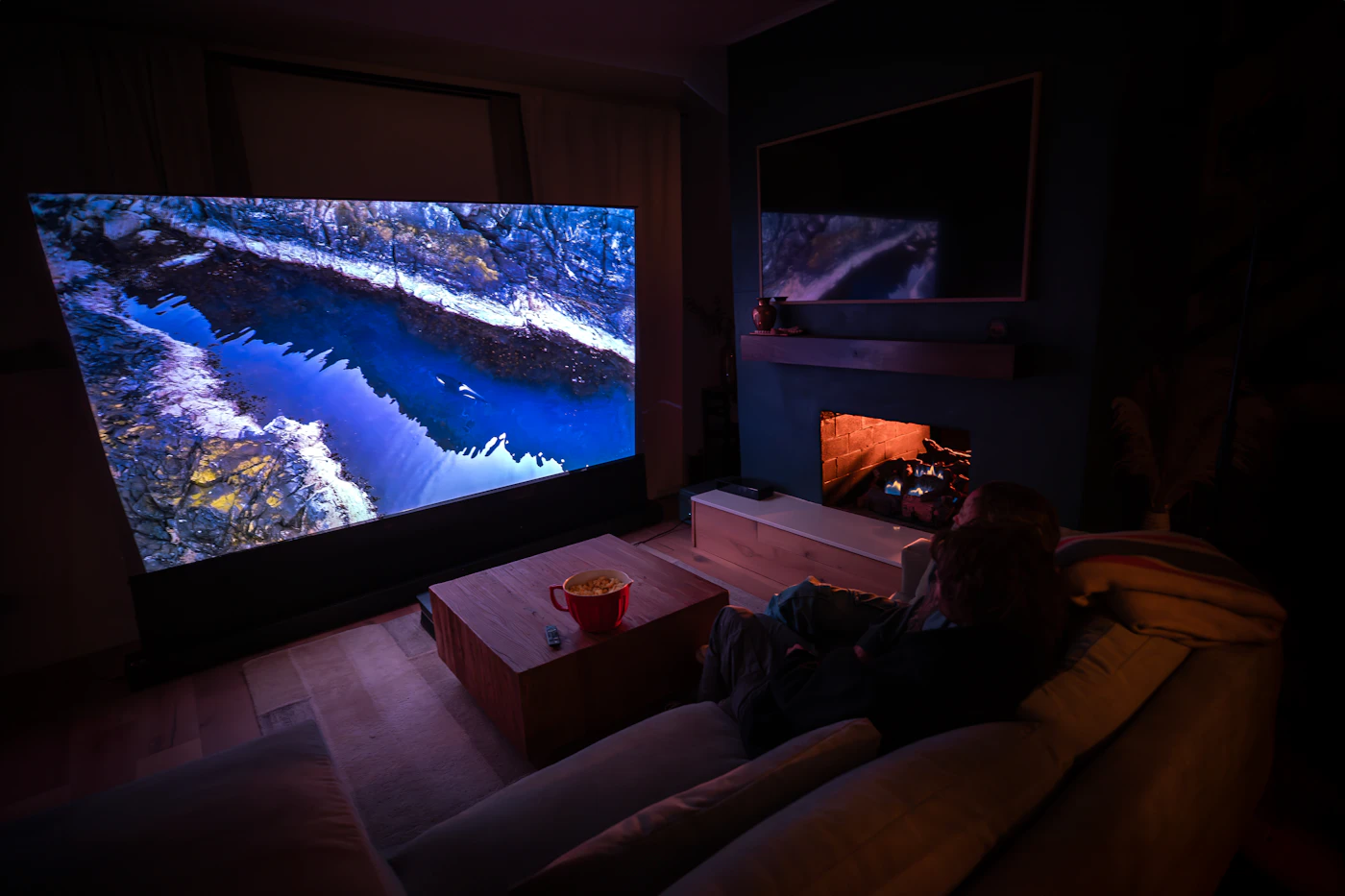
You finally mounted the big screen, picked a sensible picture mode and dimmed the lights. Then the first night scene arrives and the shadows look smeary, as if someone had smudged them with a thumb. Before you pack the set back into its box, run through a few questions. In most cases your panel is doing exactly what it is told. The trouble started long before the signal reached your room.
Every stream passes four checkpoints on its way to you: how much data it carries, which codec packed it, how it was delivered, and how your device unpacks it. Any one of them can quietly undo what a good display is capable of. Use the checklist below the next time something looks off. You won't need special tools, only some attention to what you see and where it breaks down. At the end we look at one membership built around high-definition playback, in case the answers tell you the source is the part worth changing.
Question one: is the stream sending enough data?
Start with the label most services put front and center: resolution. 4K, 1080p and 720p describe how many pixels make up each frame. That is useful, but it only tells you the size of the canvas. It says nothing about how carefully the picture was painted onto it.
The painting part is bitrate, the amount of data a stream spends each second to describe what is on screen. When that budget is tight, the encoder has to choose what to keep. Fine texture such as hair, leaves, fabric and film grain is usually the first thing to go, and it gets replaced by smooth, slightly plastic surfaces.
So when you compare two services, or two titles on the same service, look past the resolution badge. A 1080p stream with a generous bitrate can look more natural than a 4K stream squeezed into too little data. The 4K version has more pixels. The 1080p version has better information in each one.
Here is a quick test you can do yourself. Pause on a scene full of small detail, like a crowd, a forest or falling rain, and look closely. If the detail holds together, the data budget is probably healthy. If it melts into blotches while things move and sharpens again when the frame is still, the stream is likely running short.

Questions two to four: how was it packed, shipped and unpacked?
Which codec did the work?
A codec is the recipe used to shrink video for travel and rebuild it at your end. H.264 is still everywhere because nearly every device can play it. Newer codecs such as HEVC and AV1 can generally keep more detail at the same data rate, as long as your device supports them.
Codecs spend their budget where your eye usually goes: bright, sharp, moving areas. Shadows get less. That is why the gradient in a night sky or a dim hallway can split into visible steps, known as banding. If daylight scenes look fine and dark ones turn muddy, suspect compression before you suspect your panel.
Ask: does it only fall apart in the dark?
Did it arrive by a good route?
Your home connection rises and falls all evening as other devices and neighbors share it. Modern players handle that with adaptive bitrate streaming. Each title is cut into short chunks, every chunk is prepared at several quality levels, and the player picks the level it can fetch reliably next.
That is why a picture can turn soft for a few seconds and then recover. Content delivery networks help by keeping copies of those chunks on servers closer to you, so the player can stay on the sharper rungs for longer.
Ask: does quality dip and come back?
Can your device unpack it smoothly?
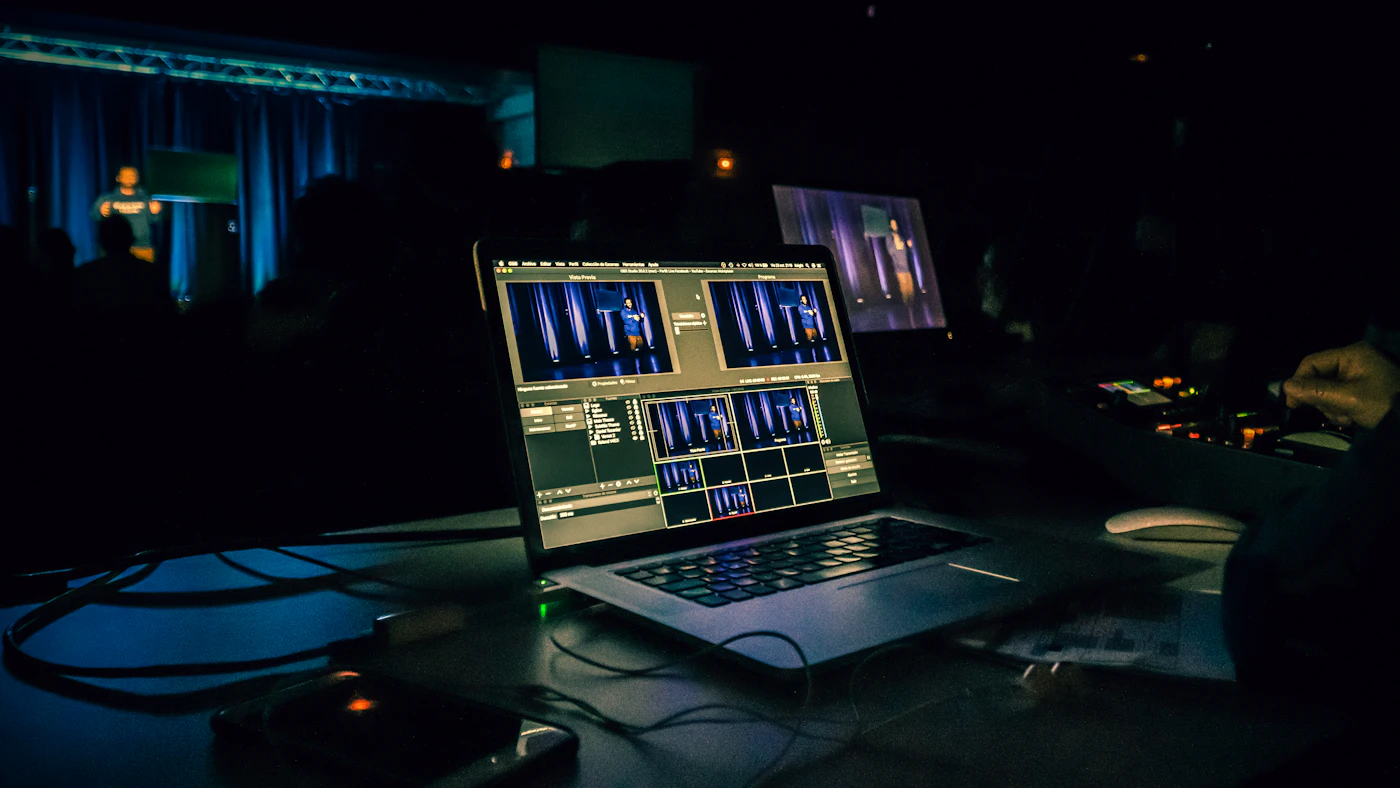
Once the data lands, your device has to rebuild many frames every second. Dedicated video hardware does this far more efficiently than general processing, which keeps playback fluid and limits heat and battery drain.
Each device has its own limits. A desktop graphics card has room to spare, a phone relies on a compact media engine, and a VR headset draws a separate image for each eye at close range, where any stutter is magnified.
Ask: does it stutter on one device only?
If the answers point upstream, change the source
Work through the four questions and the weak point usually shows itself. If your connection is steady, your device is reasonably current and the picture still falls apart in the same places, the stream is the likely limit. At that point no amount of fiddling with sharpness or contrast settings will bring back detail that was never sent.
To keep it simple, here is the whole checklist in one place:
- Data: does fine detail hold up in busy scenes, or melt while things move?
- Codec: do dark scenes band and block while bright ones look clean?
- Delivery: does the picture soften for a few seconds and then recover?
- Decoding: does playback stutter on one device but not another?
Free, general-purpose video platforms are mostly built for volume. They move enormous amounts of footage over shared infrastructure, so compression is often heavy and quality can change from one title to the next. Many also wrap playback in ads and tracking scripts that interrupt what you are watching.
The membership we looked at
If you have put money into a capable display, a recent phone or a VR headset, a curated membership is one way to narrow the gap between what your hardware can show and what a stream actually delivers. The service featured here is a paid membership that gives access to a large catalog of curated media titles, arranged in a structured library much like the mainstream platforms you probably already use.
The library is presented around high-definition playback streams with a streamlined interface, as described in the provider's terms. Playback can be synchronized across desktops, smartphones and VR headsets, so you can start on one device and pick up on another. Account setup options and privacy settings are explained during registration, and billing details are shown at checkout.
Treat it like any other purchase: read the membership terms and the billing information carefully before you sign up, and make sure the plan fits how and where you watch.